
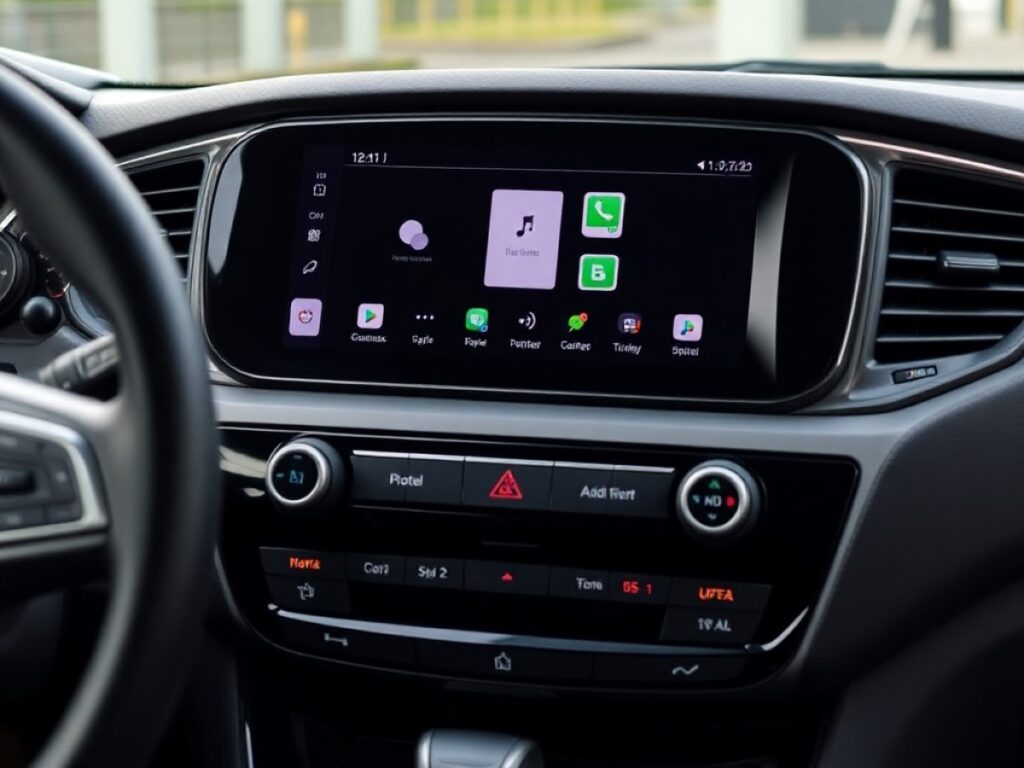
Android Auto could be going through a difficult stage, as there are manufacturers considering withdrawing their support to promote their own integrated systems. However, this does not seem to discourage Google’s future plans.
This commitment is reflected in the recent release of Android Auto 16.0an updated version of the application that is now available for some users and that brings with it significant improvements that we will notice immediately.
In fact, Google has begun implementing the updates it announced months ago during the Google I/O event, including a new approach to design with Material 3 Expressive for Android Auto.
The main innovation of Android Auto 16.0 is, without a doubt, the renewed multimedia player; specifically, its new design that optimizes the use of installed music applications such as Spotify or YouTube Music.
The redesign of the multimedia player has already begun to appear on the screens of some users, according to reports from 9to5Google. This change will be activated gradually from the server, and there is no way to speed up this process manually.
The new Android Auto player Place the play/pause button at the bottom leftmaking it easy to access this essential function without having to take your hand too far from the steering wheel.
The controls for changing songs are next to this prominent button. This means that drivers will need to adapt againespecially if they had already become accustomed to the previous arrangement.
Despite this, this change is beneficial since allows greater customization of applicationsoffering a more unique and differentiated experience compared to others.
This is because, apart from the basic controls, the album cover and the progress bar, the rest of the controls vary depending on the application that we are using and allow access to special functions.
For example, on Spotify In the upper right corner is the new Spotify Jam buttona feature that allows other passengers in the vehicle to connect and add songs to the playlist.
Likewise, in the lower left corner there are Exclusive controls for each applicationsuch as shuffle mode, the button to add a song to a playlist or to cast content to another device in the case of Spotify.
With other apps, your experience will vary; For example, in Pocket Casts, the top right corner is still reserved for future functions, but in the bottom right corner you can already find controls to modify the playback speed.
Not all multimedia applications will display these exclusive controls, since it is up to the developers to implement them; Failing that, a new basic interface common to all multimedia applications will be displayed.
It is important to remember that, in Android Auto, multimedia applications are limited to the default interface of the player, to avoid each one showing a different layout with buttons in different locations.
In this way, Google seeks to offer a more homogeneous experience, where the play button is always in the same place, for example. But This update offers greater customization for each applicationevidencing the potential of Android Auto.
You may also like
-
Facebook turns 22: From Harvard board to Artificial Intelligence giant
-
users report failures today February 4
-
How to publish music in WhatsApp statuses from Spotify?
-
Are you looking for cheap internet for back to school? CFE Internet offers a plan of 150 pesos per month
-
Total transformation of Gboard!: The new update that speeds up the Google keyboard on your mobile